

Data migration
Smart valexcon solutions for data migration to 3DEXPERIENCE
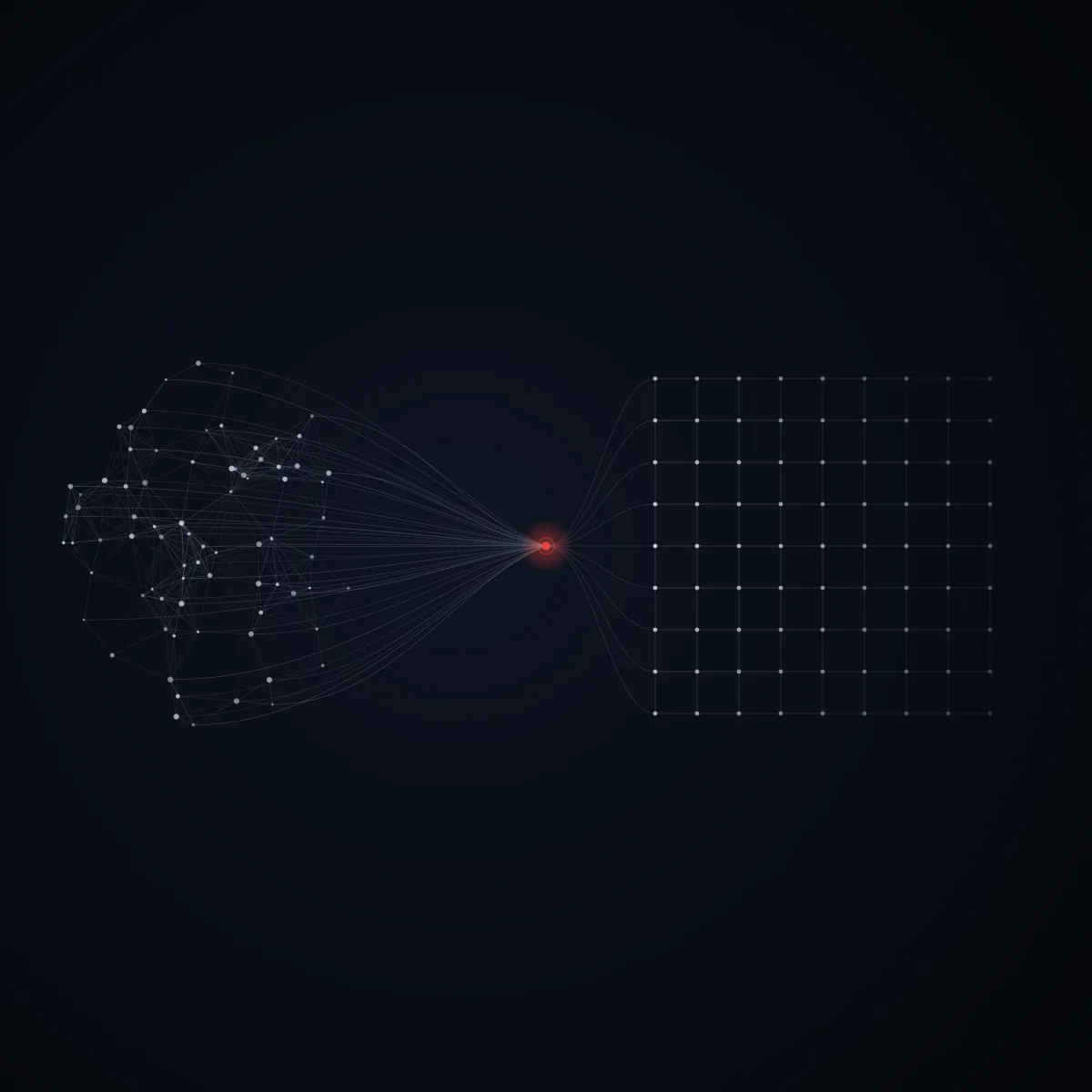
Legacy data is among a company’s most valuable assets – especially data from its own product development. Introducing 3DEXPERIENCE often goes hand in hand with migrating CAD and PDM data from legacy systems. This data must be migrated to 3DEXPERIENCE without any loss of quality – taking into account individual company requirements, the existing data set and full tracking of the migration history.
- VPM V4 / V5
- SMARTEAM
- Teamcenter
- Aras
- Keytech
- Agile
- Windchill
- SAP
- File systems
- CAD files
- 01 Analyse
- 02 Export
- 03 Prepare
- 04 Import
Analysis, preparation & delta migration
Already during implementation, the legacy data is analysed and prepared prior to import. A migration database drives analysis, preparation as well as the creation and status tracking of migration jobs. Via delta migration, the transfer runs during ongoing operation – deltas are re-migrated multiple times as needed. All CAD data is transferred without loss of information; existing CATIA links are preserved.
On Demand Migration Suite
With our On Demand Migration Suite we put this approach into practice – an in-house migration solution built on the standard interfaces of Dassault Systèmes. The data passes through the suite step by step: analysis, export from the legacy system, preparation and import into 3DEXPERIENCE. A dedicated migration database drives the jobs and the data preparation.
The distinctive part: a “Legacy View” is implemented in 3DEXPERIENCE that mirrors the current data set of the legacy system. Through this view, the required data is located and migrated on demand in a targeted way – kept continuously in sync with the legacy system. Through this synchronisation with the legacy data, deltas can be formed during ongoing operation and, if needed, re-migrated multiple times; the migration can take place in parallel with ongoing operation.
valexcon has many years of experience with data migration – it is one of our specialties, with established solutions that guarantee high data quality alongside fast implementation.
- VPM V4
- VPM V5
- SMARTEAM
- Teamcenter
- Aras
- Keytech
- Agile
- Windchill
- SAP
Filebased 3DEXPERIENCE import
When 3DEXPERIENCE is introduced as the new PDM system, CAD data is often distributed across one or more file systems. The CAD structures are recreated in 3DEXPERIENCE, with the customer defining the scope of the migration-relevant data. Copies of duplicate models are detected and imported only once (where-used record), without interrupting ongoing design work.
Our proven module can be flexibly adapted to special requirements (e.g. version and release history); costs and project duration are highly predictable. All solutions are tailored to the customer’s requirements, and the migration can take place in parallel with ongoing operation.
- CATPart
- CATProduct
- CATDrawing
- STEP
- CGR
- …
- Scope selection
- Duplicate detection
- Structure rebuild
Where are you starting from?
Every legacy system has its own pitfalls. We have condensed our approach per source system:
From SmarTeam to 3DEXPERIENCE
On-demand migration during ongoing operation – proven at Preh, Diehl Defence and Maquet.
Learn more → ENOVIA / VPMFrom ENOVIA/VPM to a new PLM
Consolidating distributed VPM instances – to 3DEXPERIENCE or Windchill (12 systems at ZF).
Learn more → PDF · FREEPLM data migration checklist
11 points where migrations fail or succeed – as a compact PDF for your project team.
Learn more →Frequently asked questions
Why is an on-demand migration better than a big-bang migration?
In a big-bang migration the entire data set is transferred on a single cut-over date and the legacy system is switched off – one error then affects all data, there is hardly a way back, and product development stands still during the switch. The valexcon On Demand Migration Suite avoids this risk: a "Legacy View" in 3DEXPERIENCE mirrors the legacy inventory, the data you need is migrated selectively and kept continuously in sync with the legacy system. Migration runs in parallel with ongoing operations – no downtime, no cut-over risk, and deltas can be re-migrated as often as needed.
Does the legacy system have to be switched off on a fixed date?
No. The Legacy View keeps the current legacy inventory visible and in sync inside 3DEXPERIENCE. The legacy system keeps running until all relevant data has been migrated – it is only switched off when you decide to.
Which systems can valexcon migrate to 3DEXPERIENCE from?
Among others from ENOVIA SmarTeam, ENOVIA VPM V4 and LCA, and from PLM systems such as Teamcenter, Windchill, keytech, Aras or Agile PLM – as well as from file-based data on network drives (filebased import). On the database side we bring experience with Oracle and MS SQL, on the ERP side with SAP.
Is any data or are CATIA links lost during migration?
No – all CAD data is taken over without loss of information, and existing CATIA links are preserved. Data migration is one of valexcon’s specialities; we have already migrated several million objects.
How is data quality ensured during the migration?
Through upfront analysis and preparation of the existing data, a test migration of a subset, a migration database for job control and status tracking, and a validated full run including cleansing of links, history and documents.
How long does a PLM data migration take?
That depends on the source system, data volume and data quality. The advantage of the on-demand approach: 3DEXPERIENCE is productive from day one while the migration continues in the background. For a reliable estimate we run a short assessment upfront.
Sounds like a fit for your project?
We’re happy to advise you – including for an existing installation.